

How to Bridge your MaticX Token: Step-by-Step Guide
2 min read
/


Polygon’s staking protocol is native to Ethereum, so v1 only supports staking on Ethereum. Thus, in order to use MaticX on the Polygon Mainnet, you will need to bridge MaticX over to Polygon. Here is a simple step by step guide to the process.
Step #1:
Go to this link and select the dropdown for the list of tokens:
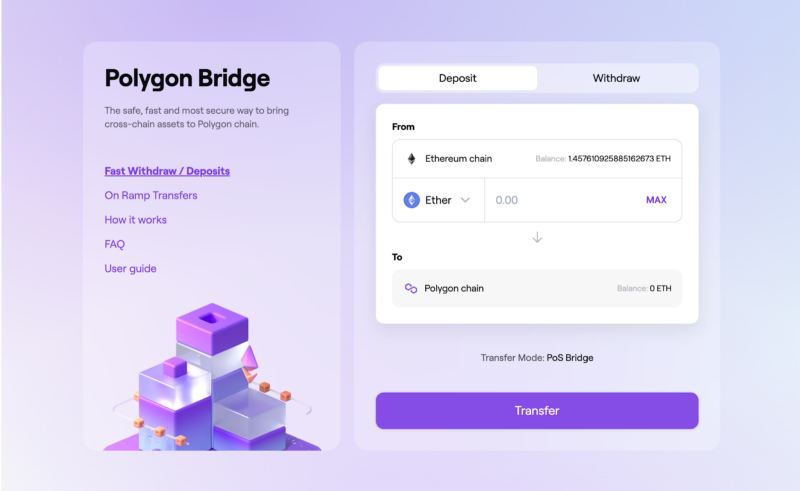
Here’s how it looks:
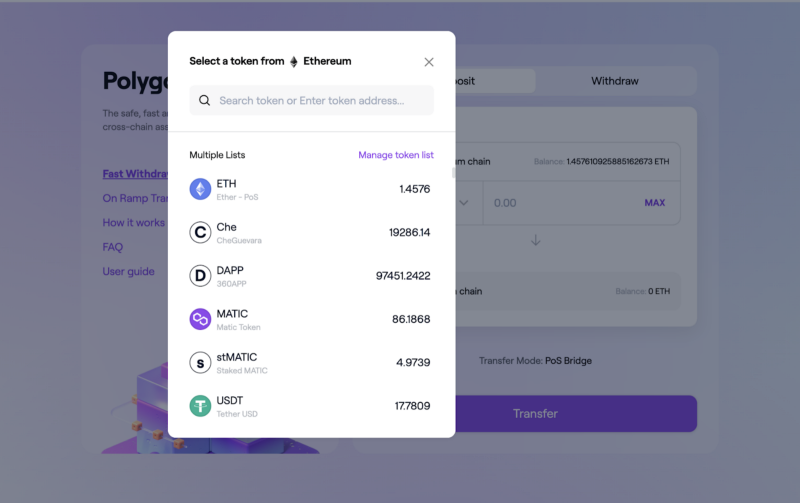
Step #2:
Toggle the `Polygon Tokens List` to on
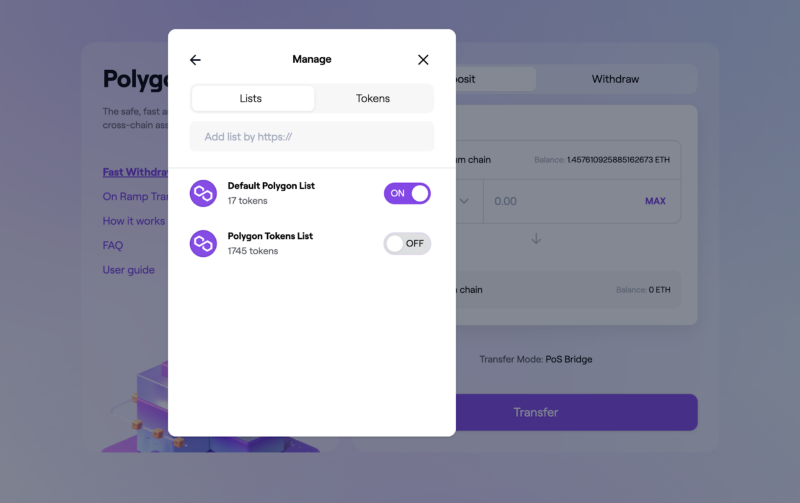
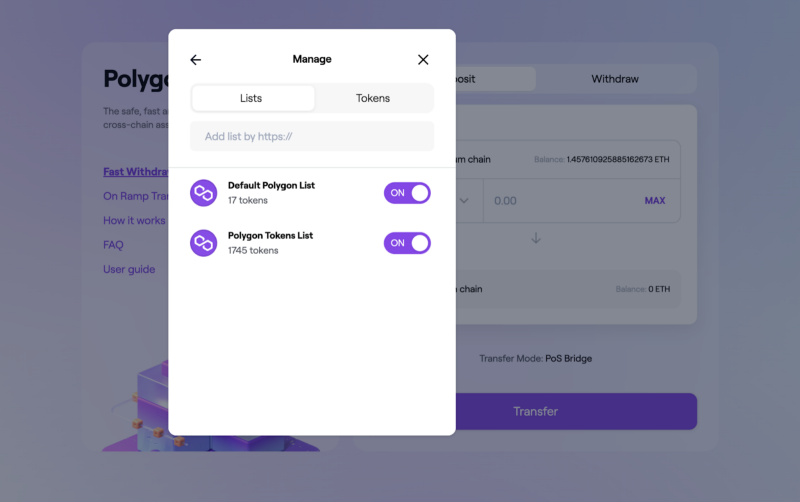
Step #3:
Search for the the MaticX token address in the tokens tab: 0xf03A7Eb46d01d9EcAA104558C732Cf82f6B6B645
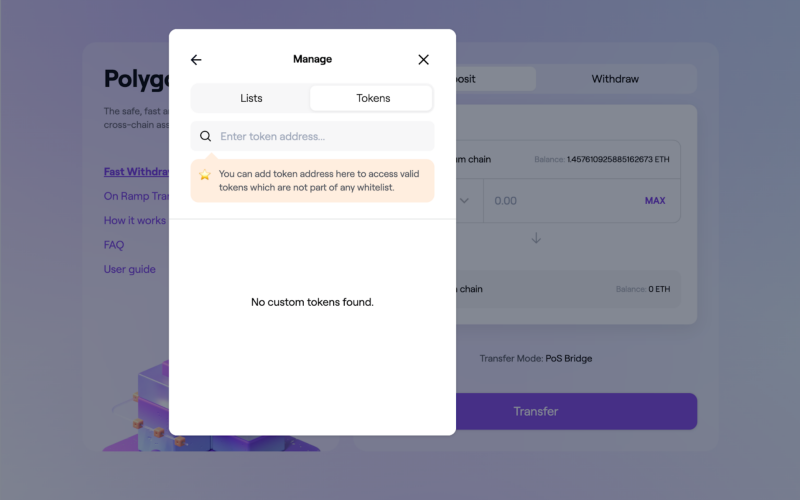
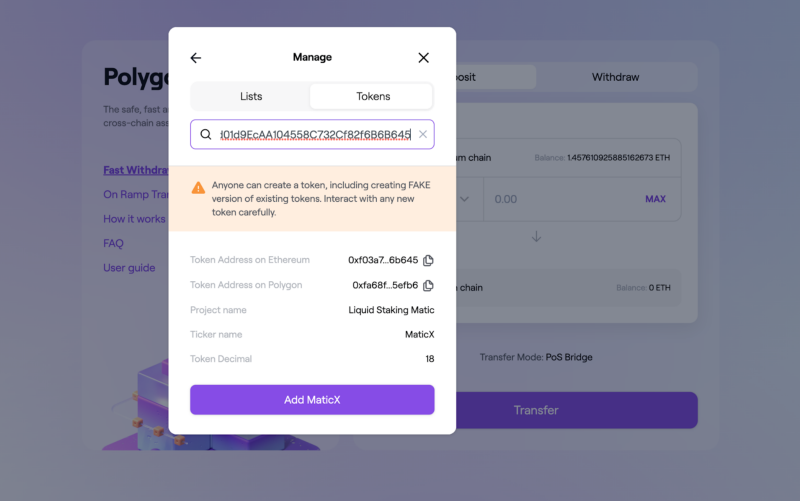
Step #4:
Click “Add MaticX” and you’re done.
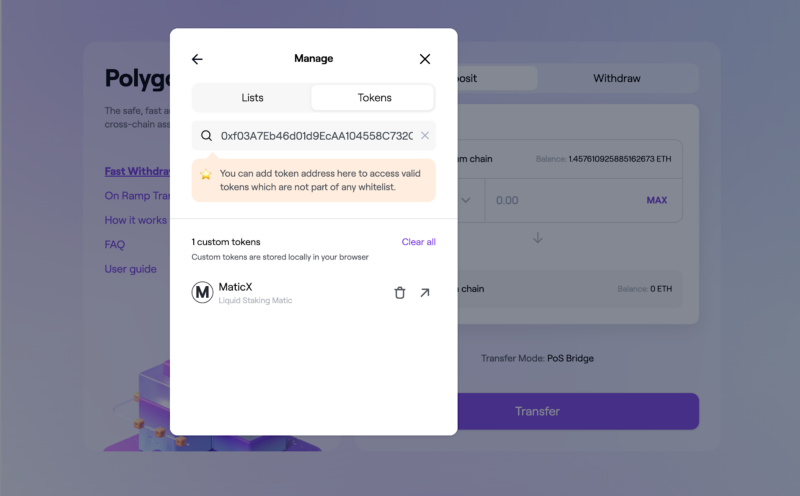
It’s that simple.
Not sure how to Bridge your Matic?
Follow the same 1 as earlier by going to this link and simply select MATIC from the the dropdown for the list of tokens:
Can you see Matic here at number for on the list?
Again, as it’s that simple.
Keep a watch on our Twitter handle
